

Vimeo Video Downloader
Download Vimeo videos online in the best available quality — free, fast and with no signup.
How to download Vimeo videos
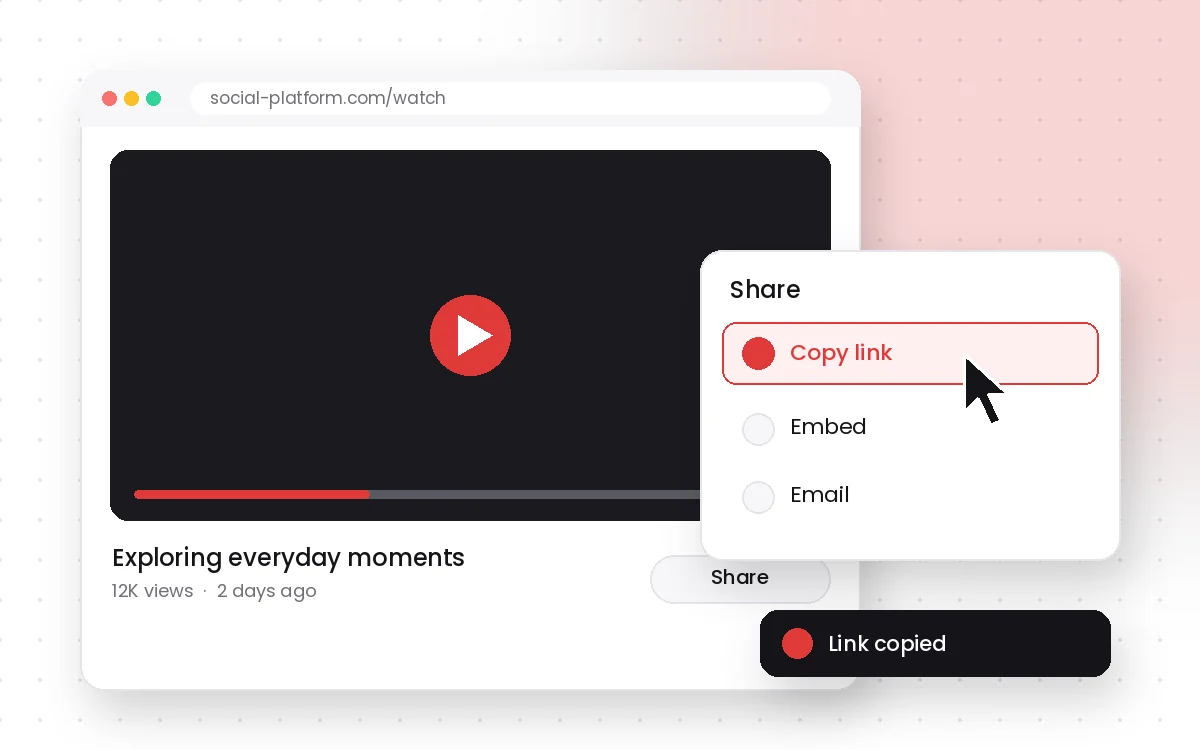
Copy the Vimeo link
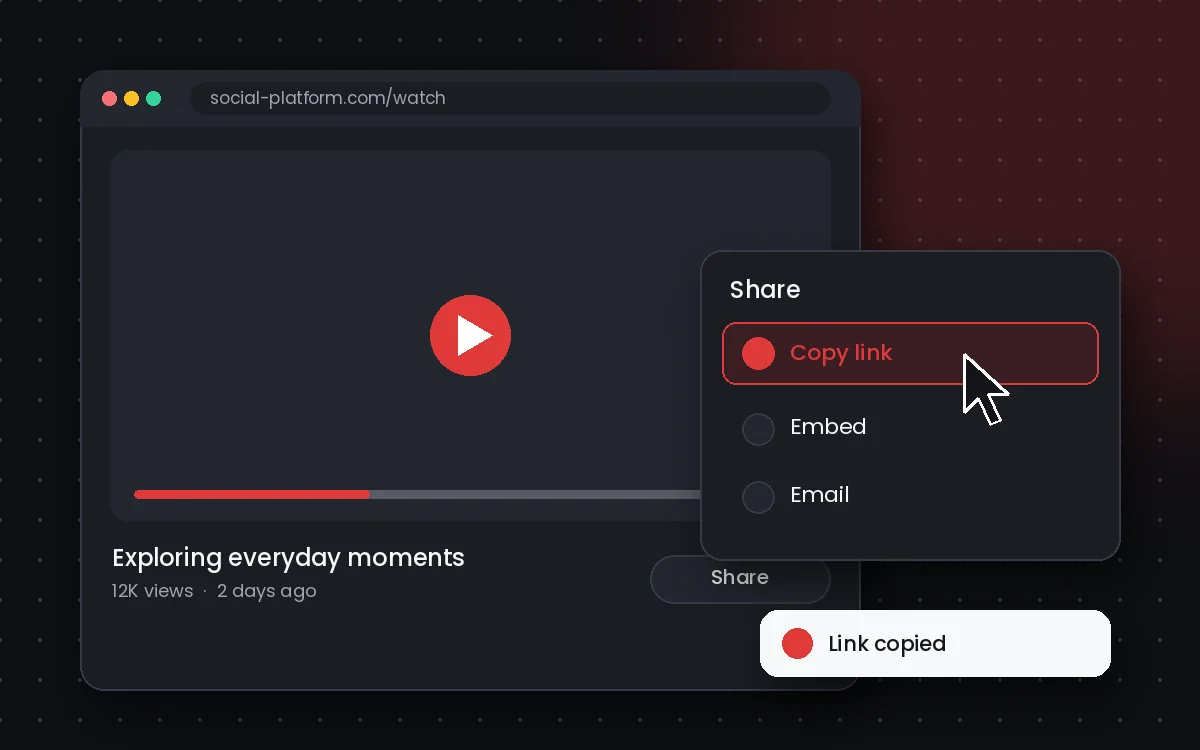
Open the video or Short, tap Share and choose Copy link.
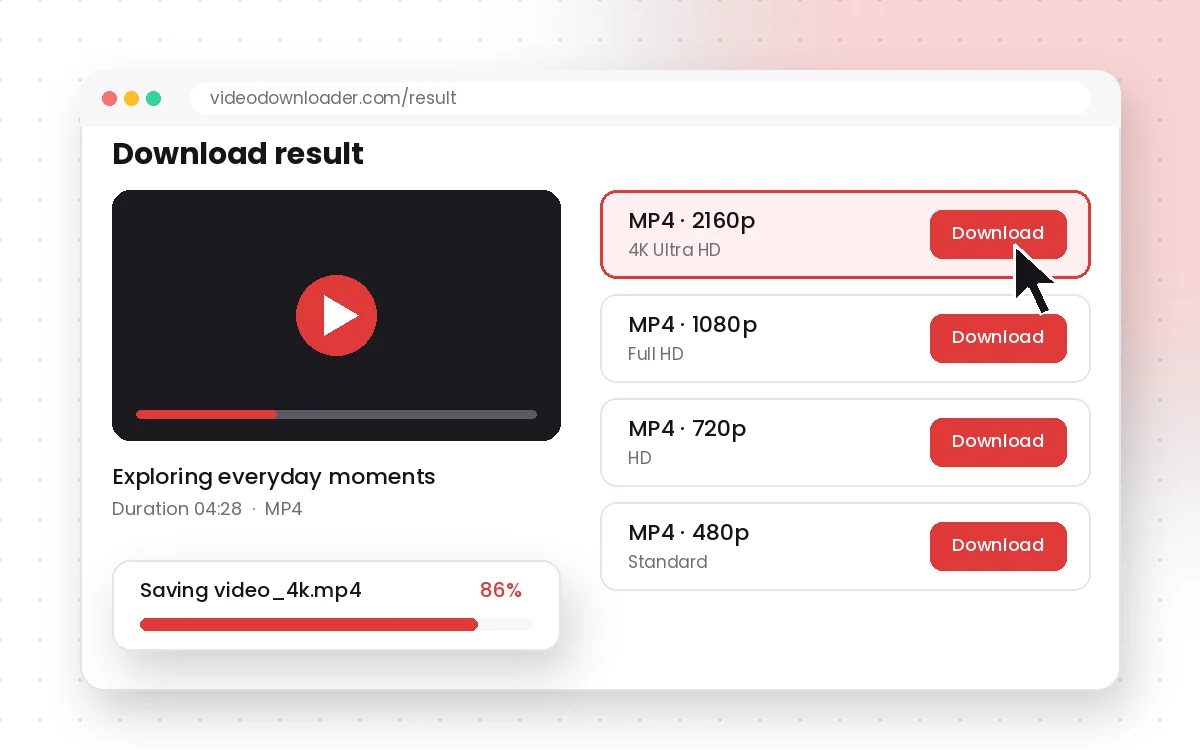
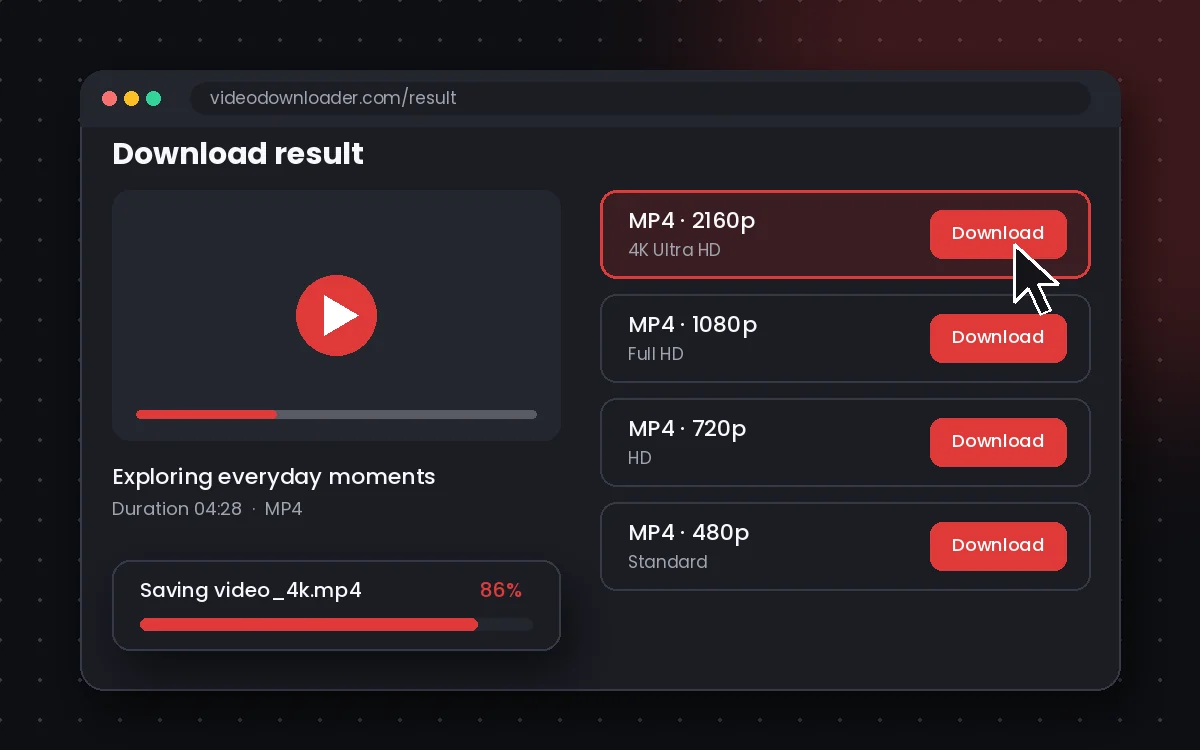
Paste and press Download
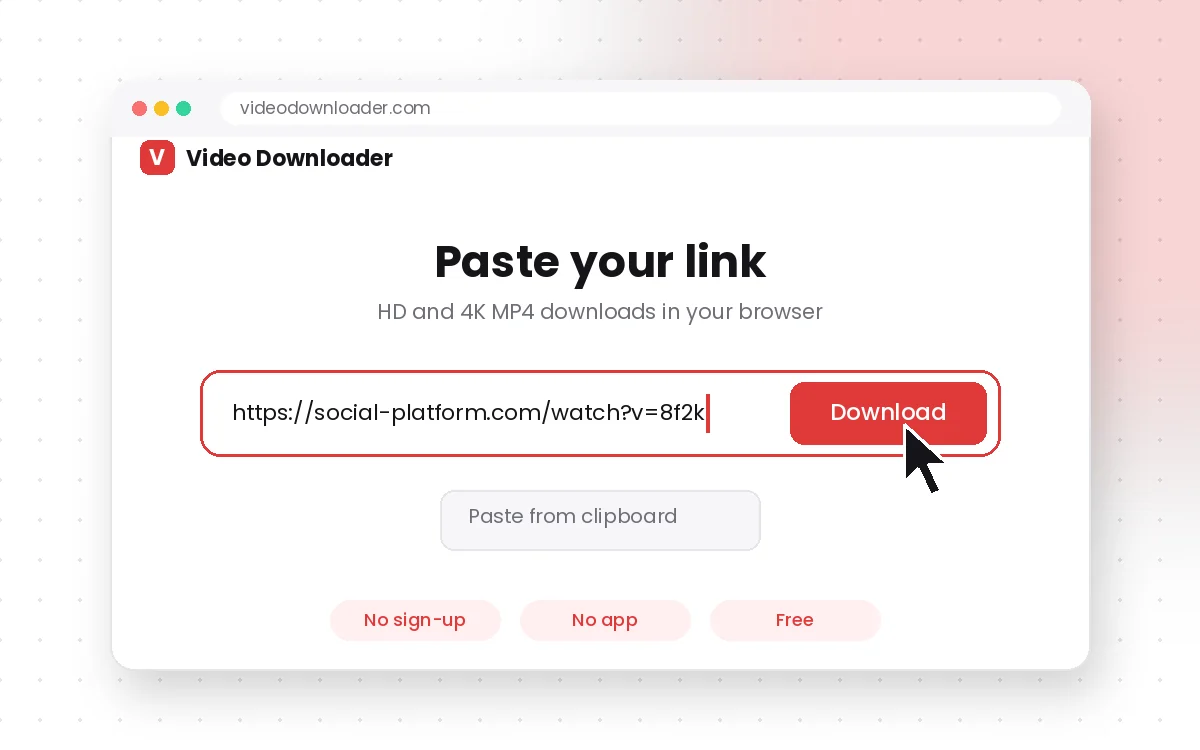
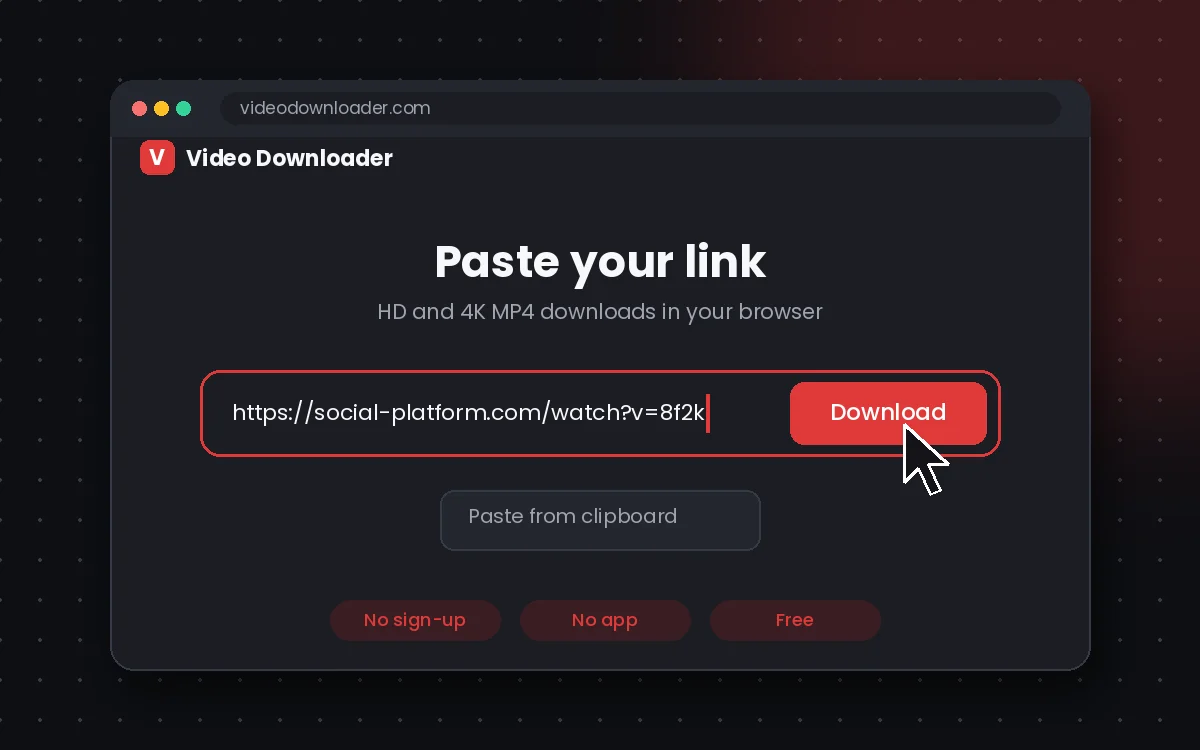
Paste the link into the box above and press Download.
Choose quality and save
Pick an MP4 resolution or MP3 audio and save the file to your device.


Vimeo Downloader FAQs
Can I download videos from Vimeo for free?
Yes, our Vimeo video downloader is 100% free to use, with unlimited downloads and no sign-up required.
Do I need to install any software?
No. Our tool works entirely online. Just copy-paste the link into your browser and start downloading instantly.
Does this tool work with private videos?
Only if the video is shareable via a public link. We don’t support downloading password-protected or strictly private content.
Is it legal to download from Vimeo?
Downloading publicly available content for personal use is legal. Do not use videos for commercial purposes unless permitted by the creator.
Can I download Vimeo videos on my phone?
Yes! You can use our mobile site or download our iOS and Android apps for a smoother experience.
Is there a watermark on downloaded videos?
No, your downloads will not have any watermark. You get the clean, original video file.