
How to Download LinkedIn Videos in HD Without Watermark
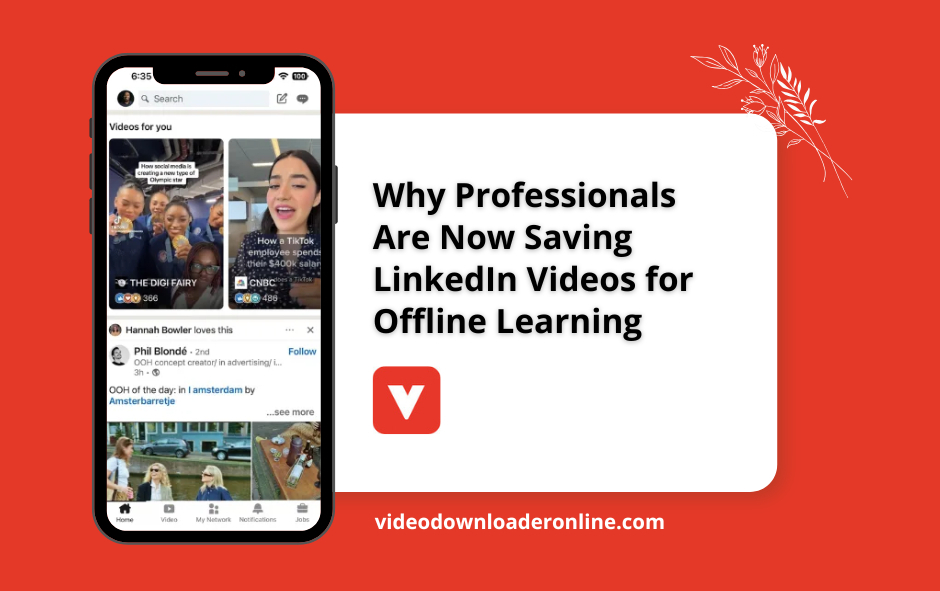

How to Download LinkedIn Videos in HD Without Watermark
In the last few years, LinkedIn has evolved from just a job-hunting platform into a full-fledged space for professional learning and thought leadership. You’ll find CEOs sharing advice, marketers hosting live webinars, and creatives posting industry insights, all in video form.
But if you’ve ever tried to Download a LinkedIn Video to watch later, you already know the struggle. LinkedIn doesn’t offer a native download option for most public content. That’s where having the right tool becomes essential.
Let’s talk about why saving LinkedIn videos offline is becoming a trend and how you can do it in seconds.
Why You Might Want to Save LinkedIn Videos
LinkedIn videos are more than just casual content. They’re packed with expert insights, tutorials, panel discussions, and even live event recordings. Whether you're learning a new skill, researching an industry, or building a presentation, these clips are valuable.
But the content scrolls away quickly. With no built-in save button or download option, it’s easy to lose access to something impactful. That’s why more users are choosing to Download Videos from LinkedIn for offline learning, archiving, and future reference.
How to Download a Video from LinkedIn Instantly
Using our LinkedIn Video Downloader, saving any public LinkedIn video is simple:
- Open LinkedIn and copy the video post URL.
- Paste it into our LinkedIn downloader.
- Choose your preferred resolution (1080p, 720p, etc.).
- Click “Download” and save the file directly to your device.
No installation, no logins—just fast, clean access.
Benefits of Saving LinkedIn Videos for Offline Use
- No Distractions: Watch without feed noise, comments, or ads.
- Offline Access: Ideal for travel or remote areas.
- Reusable: Use clips for presentations or references.
- Education on Demand: Build a personal video knowledge base.
Save in HD With LinkedIn Video Downloader HD
High definition matters when you’re watching on bigger screens or sharing with teams. Our tool supports LinkedIn video download in HD (1080p) so that the quality remains intact.
Organize Your Downloaded LinkedIn Content
To stay organized, try:
- Creating folders by topic (e.g., marketing, tech, leadership).
- Labeling files by speaker or company.
- Embedding clips into Notion or Docs for reference.
Use Cases for Downloading LinkedIn Videos
- Learning & Development Teams: Save content for internal training.
- Coaches & Creators: Archive posts for future inspiration.
- Students & Researchers: Reference expert discussions.
- HR & Recruiters: Keep branding or hiring clips.
External Resource
For compliance, check LinkedIn’s User Agreement. Download only public videos for personal or educational use.
Ethical Reminder
Download responsibly—don’t repost or monetize someone else’s content. Our tool only supports public videos, not private or gated ones.
Final Thoughts
LinkedIn has quietly become one of the best video platforms for professionals. But content disappears fast. Use our LinkedIn Video Downloader to save it for later—HD, fast, and watermark-free.
Try it now — paste a link and download.
Open downloader