

YouTube Video Downloader
Save YouTube videos and Shorts in HD, Full HD or 4K as MP4 — or extract the audio as MP3.
How to download YouTube videos
Step 1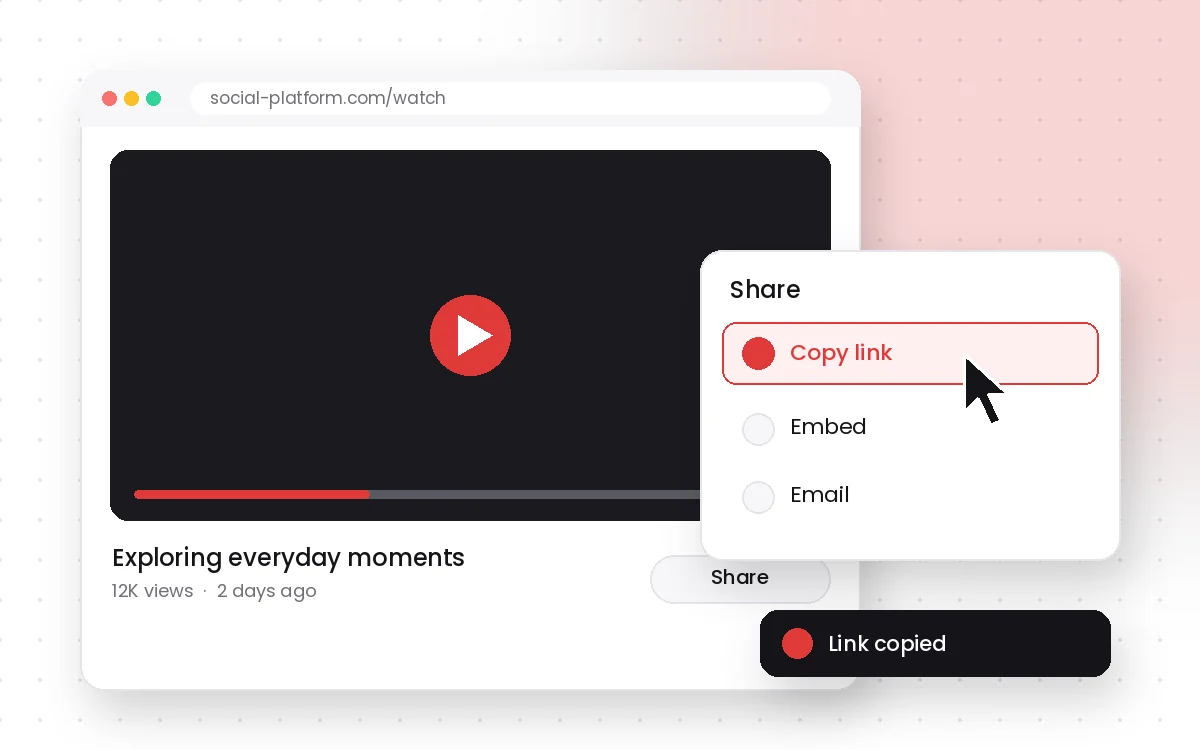
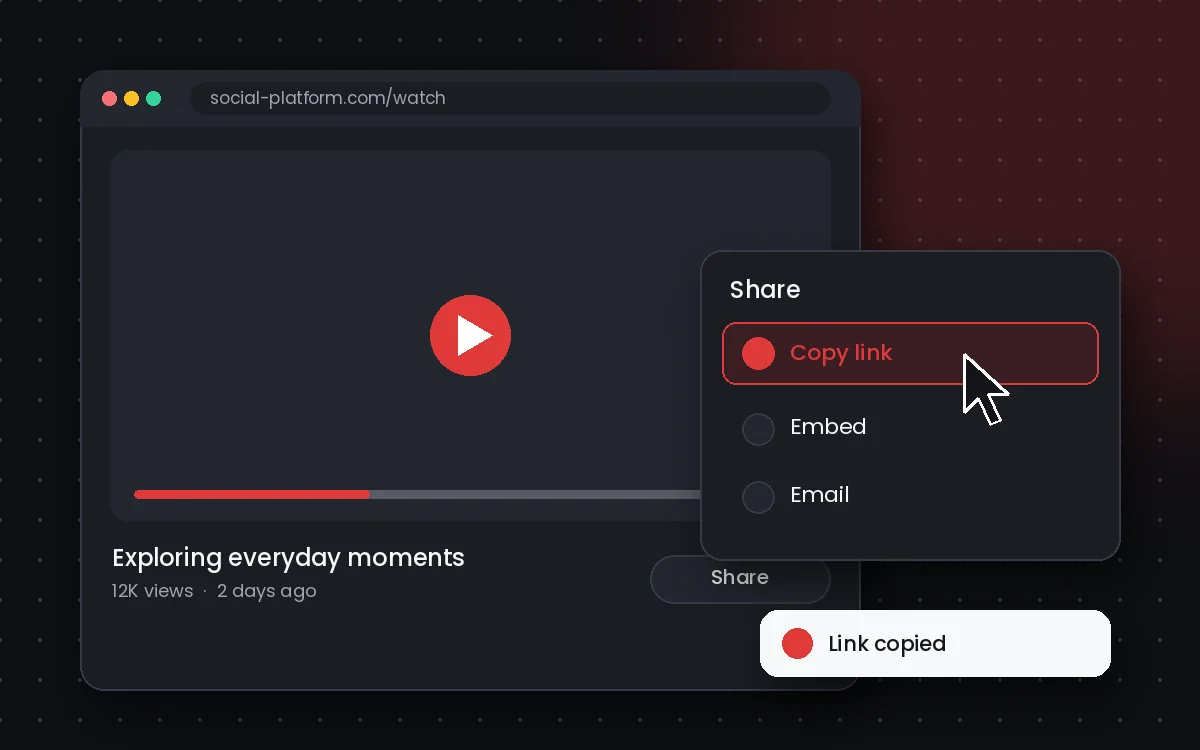
Copy the YouTube link
Open the video or Short, tap Share and choose Copy link.
Step 2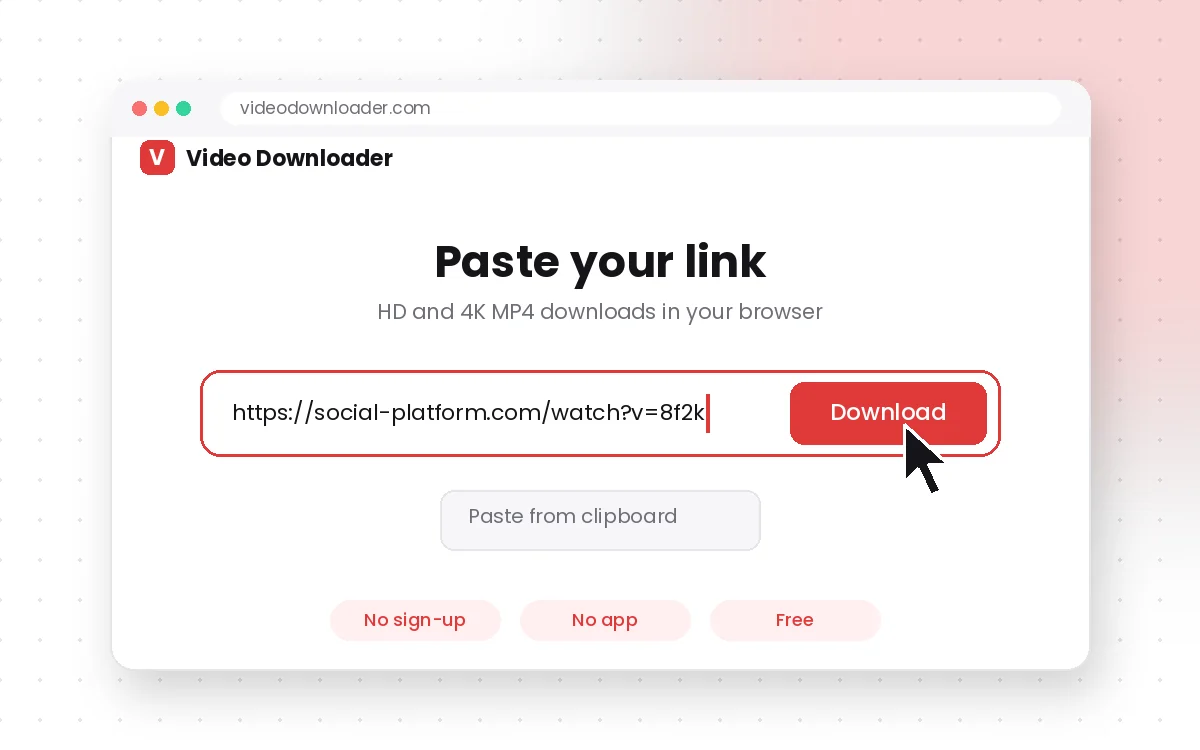
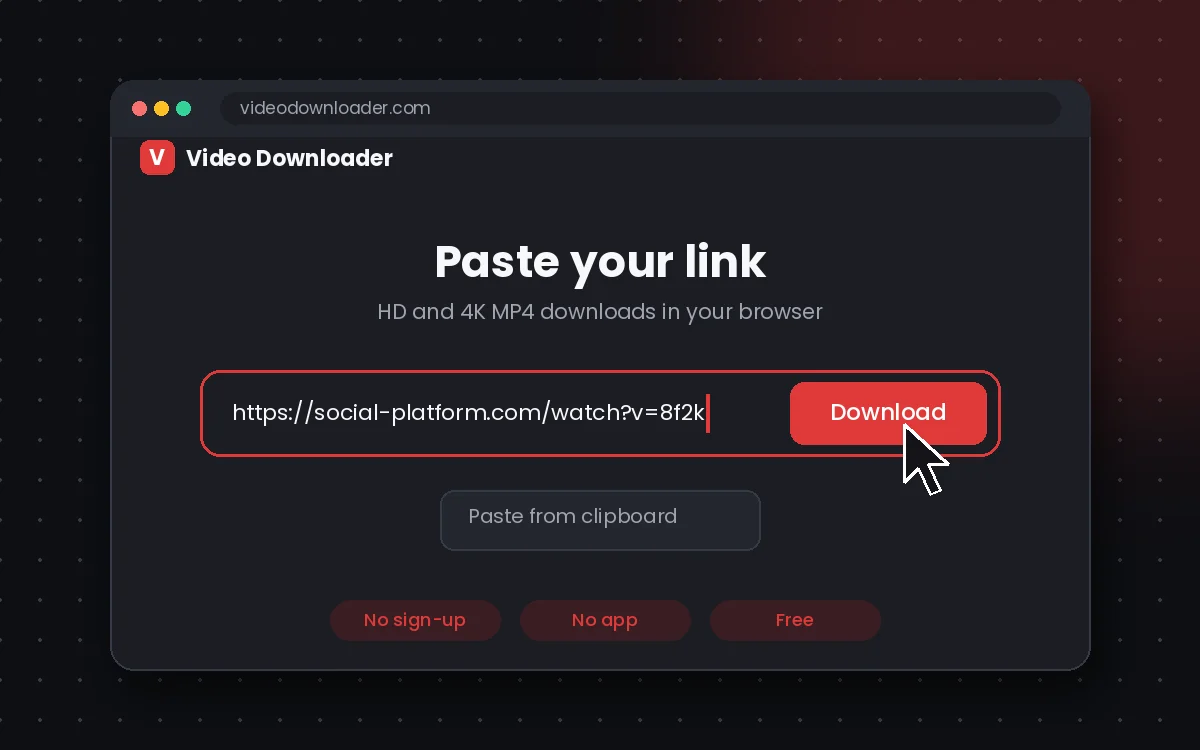
Paste and press Download
Paste the link into the box above and press Download.
Step 3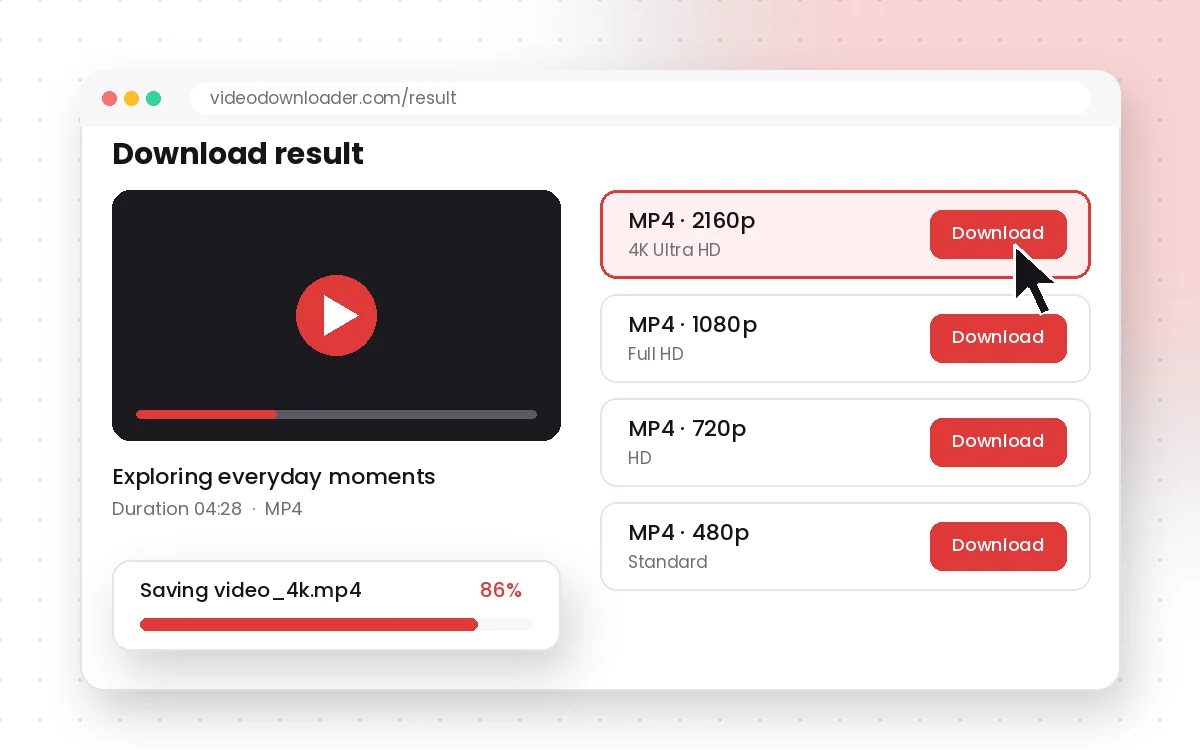
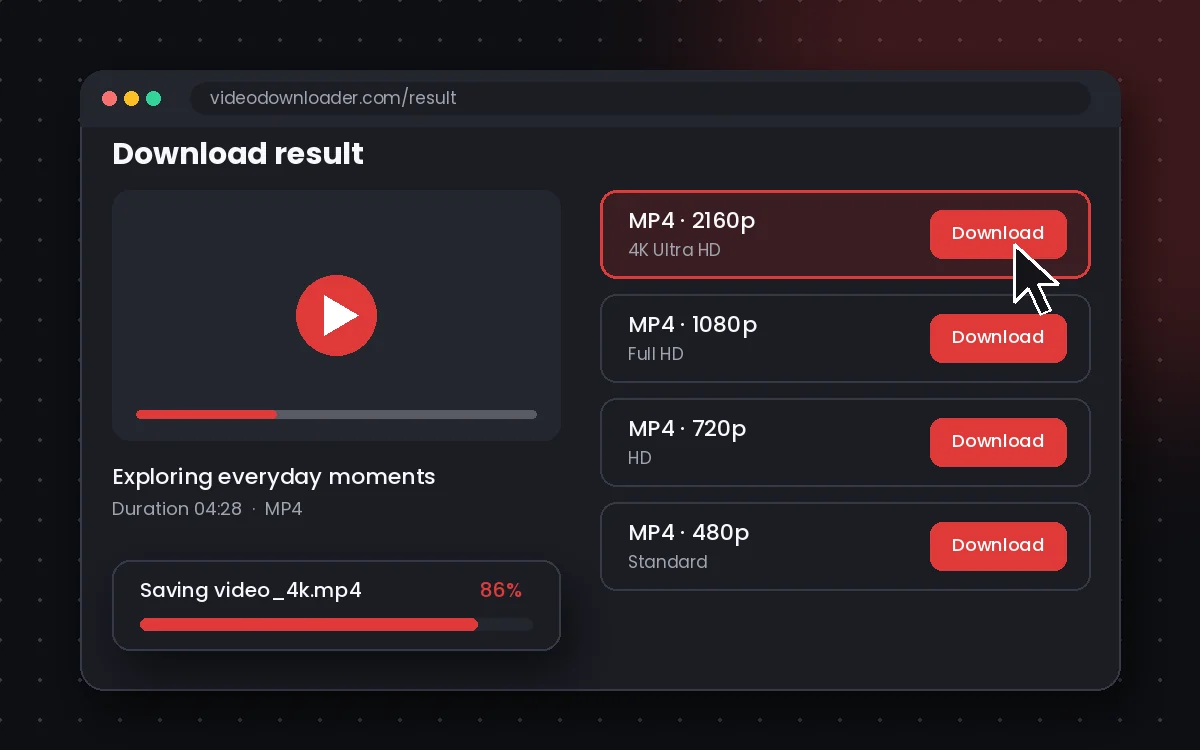
Choose quality and save
Pick an MP4 resolution or MP3 audio and save the file to your device.


YouTube Downloader FAQs
Is this YouTube video downloader online free?
Yes! It's 100% free to use with no hidden fees or limits.
Can I convert YouTube videos to MP3?
Yes, you can extract audio from any video using our YouTube to MP3 feature.
Is there a YouTube downloader for private videos?
Yes — if the video is accessible by link or unlisted. We do not support protected or premium content.
Can I download HD videos?
Absolutely. You can choose from multiple resolutions, including 720p, 1080p, and more.
Do I need to install anything?
No. This is a fully online downloader. Just copy, paste, and save.
Will my downloads have watermarks?
No. Your downloads are completely clean, no logos or overlays added.