

TED Talk Video Downloader
Save TED talks in HD as MP4 — or extract the audio as MP3.
How to download TED Talk videos
Step 1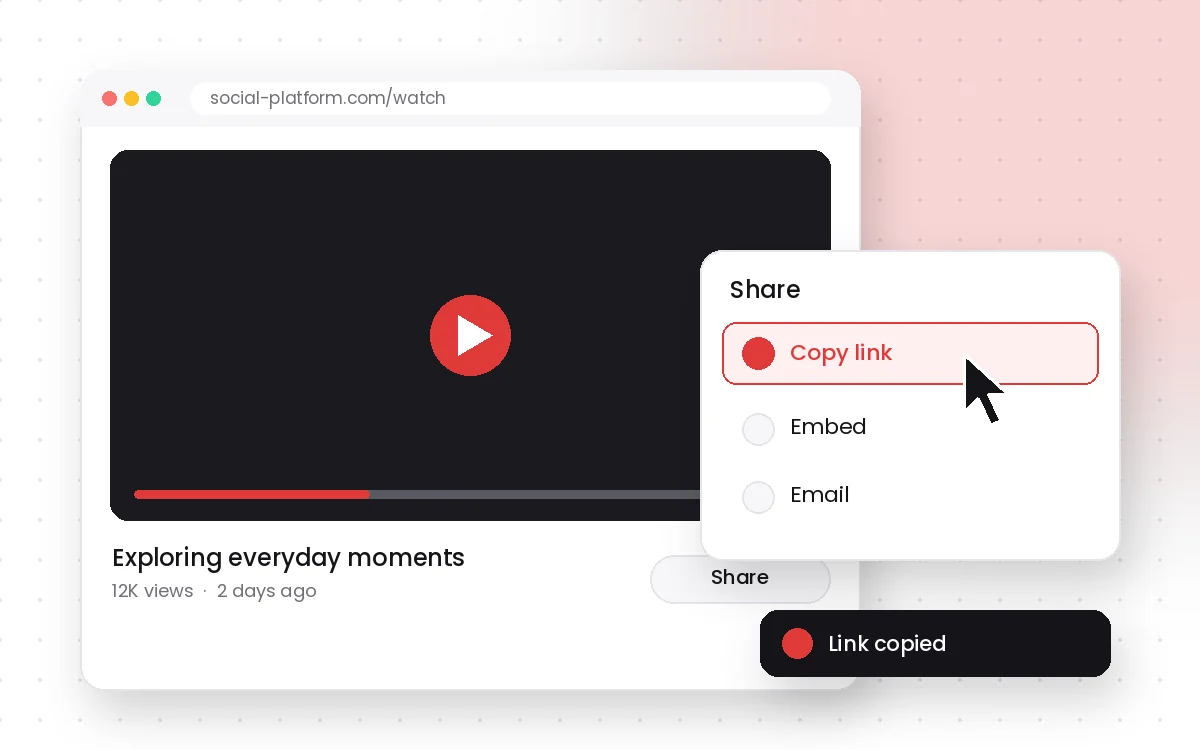
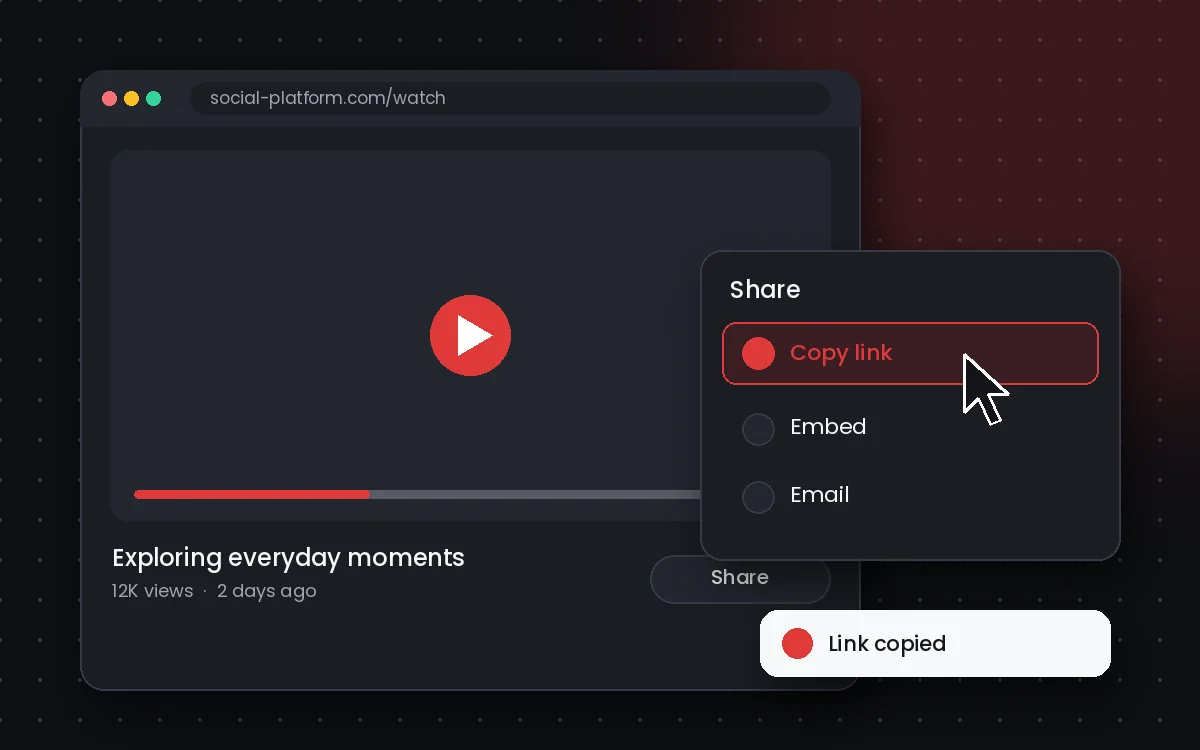
Copy the TED Talk link
Open the video or Short, tap Share and choose Copy link.
Step 2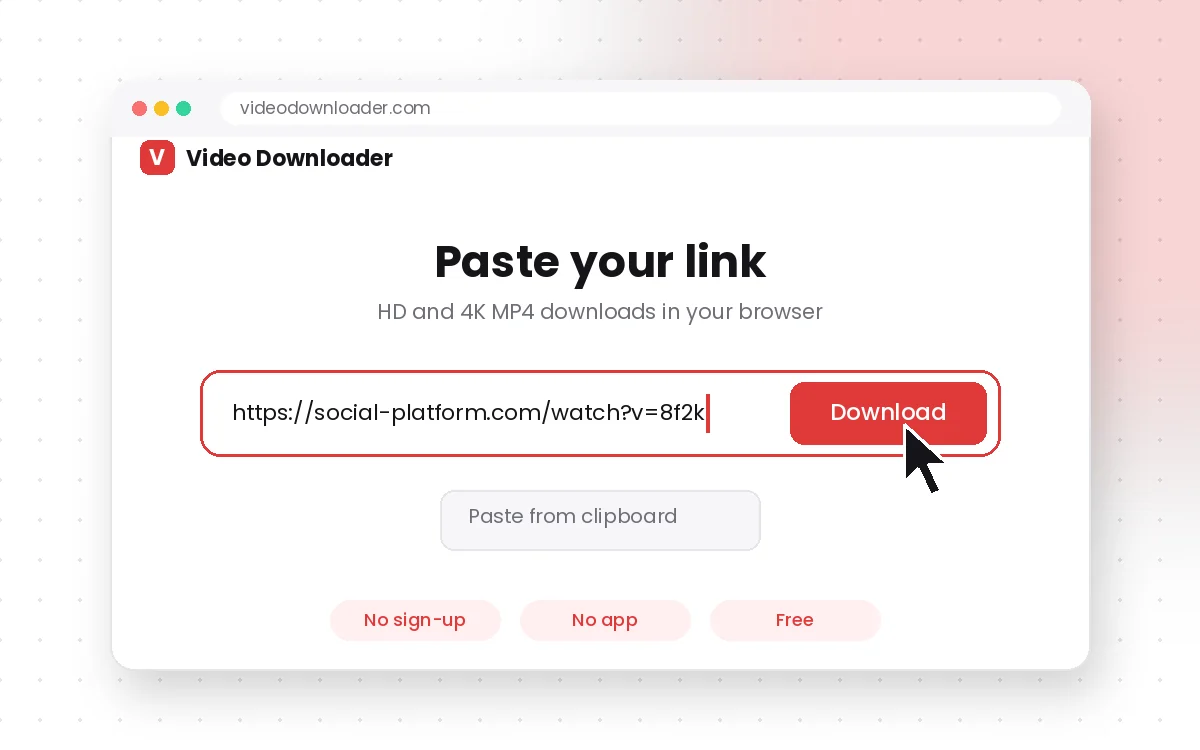
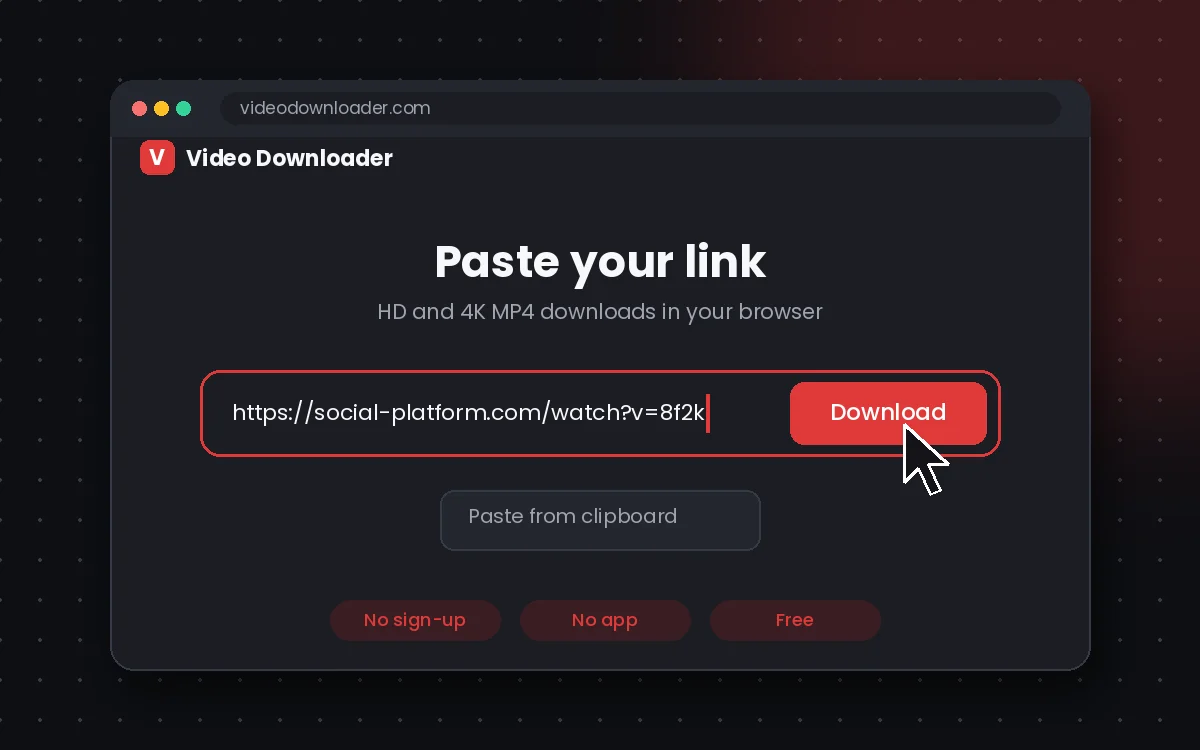
Paste and press Download
Paste the link into the box above and press Download.
Step 3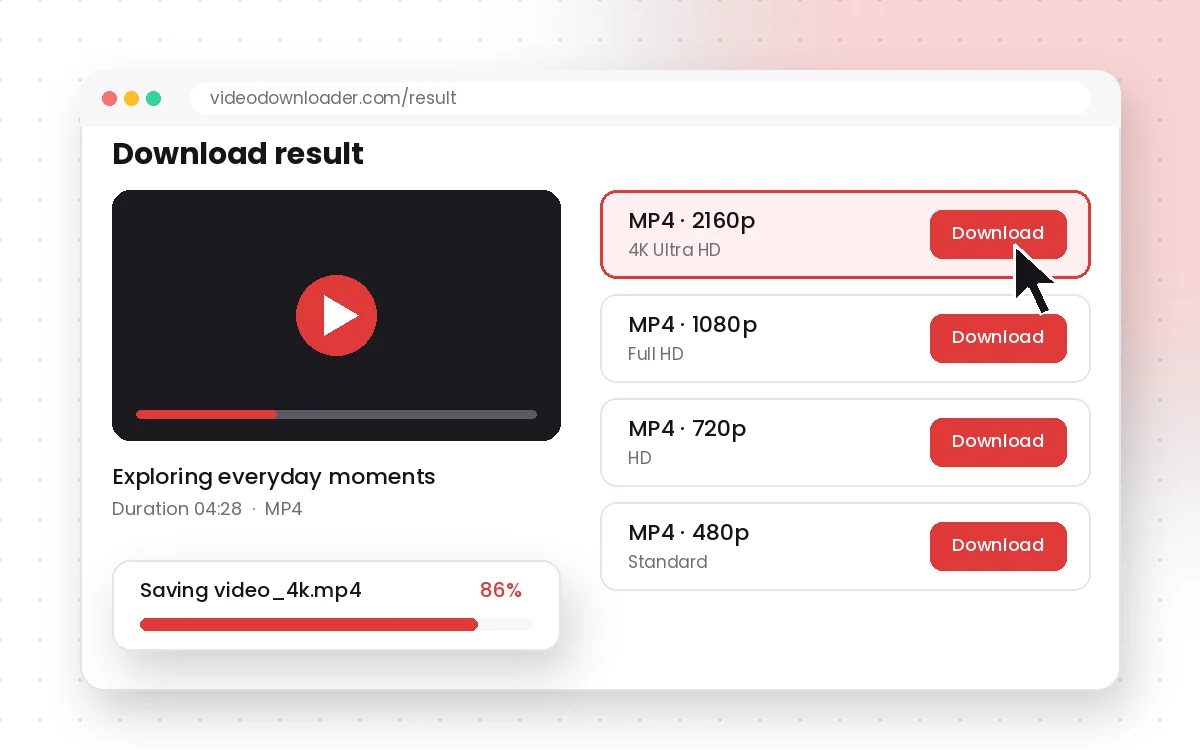
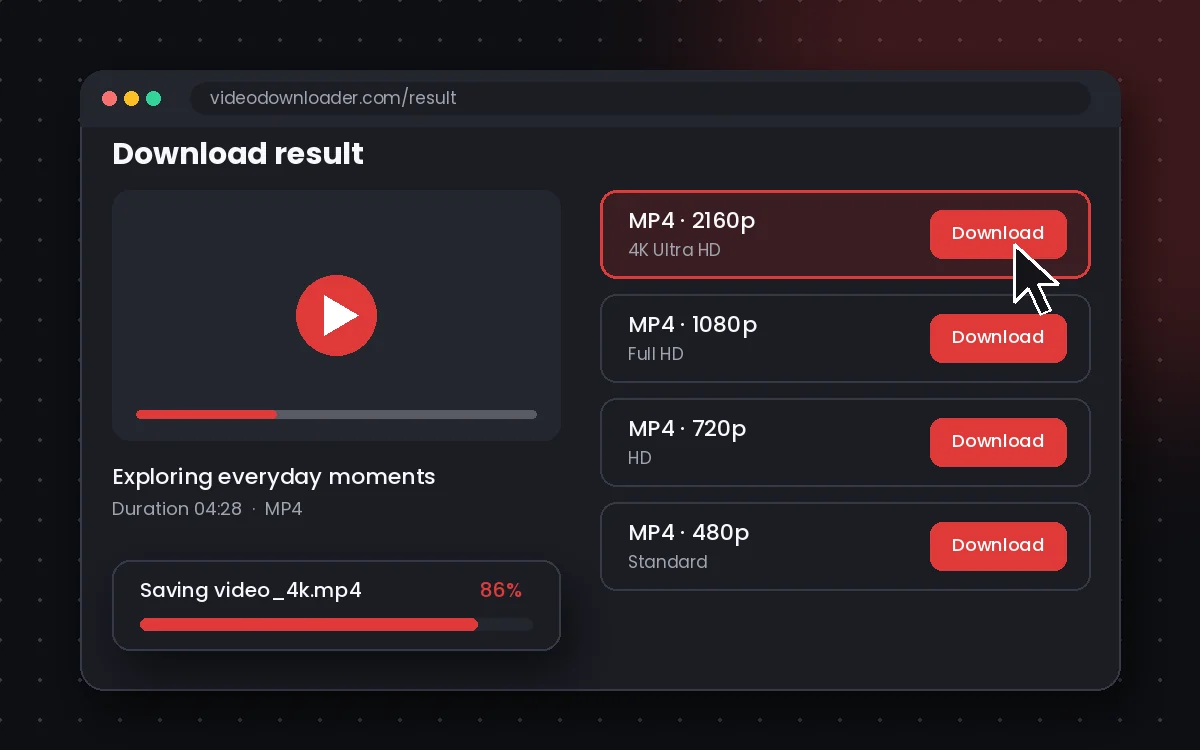
Choose quality and save
Pick an MP4 resolution or MP3 audio and save the file to your device.


TED Talk Downloader FAQs
Can I download TED Talks for free?
Yes! You can use our TED Talk video downloader online for free with no signup or payment required.
Do I need to install software to use this tool?
No software needed. It works entirely in your browser or via our mobile apps.
Does this work on mobile devices?
Yes! Use our mobile-optimized website or our TED Talk downloader app for iOS and Android.
Can I download TED videos in MP3 format?
Absolutely. Just choose the Download TED Talks MP3 option to save audio only.
Is there a TED Talk downloader for PC?
Yes, our tool works perfectly on PCs and laptops. Just use any modern browser.
Are downloads watermarked?
No, all downloads are watermark-free and retain the original video quality.